One system to:Manage every facility. Run every service. Check every contractor. Find every opportunity.

Every building compliant, every asset on record and every job controlled, from the first request to the final invoice. For FM providers and in-house facility teams across Australia and New Zealand.

One system to
Example data
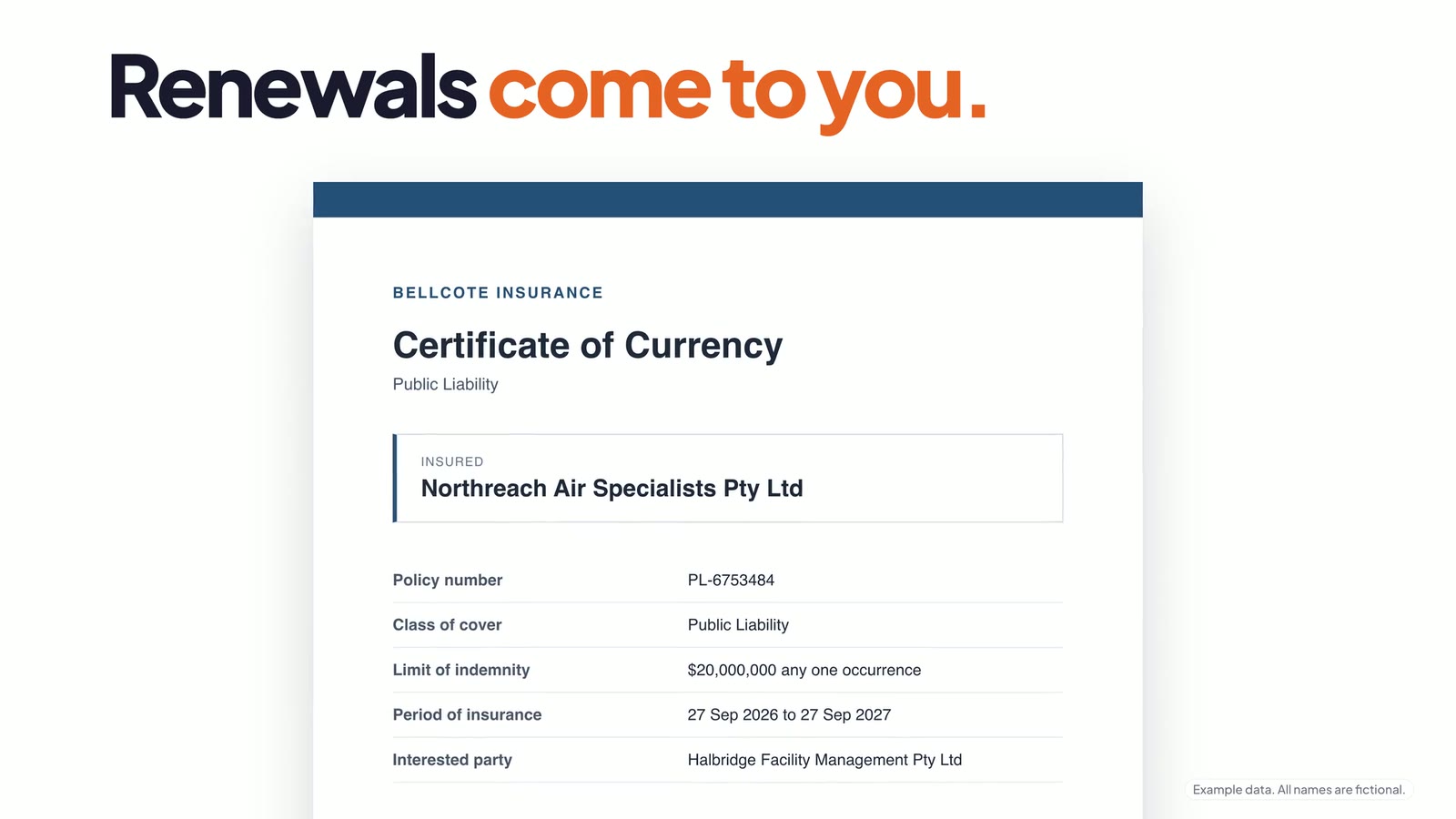
Every contractor checked before they start. Lapsed cover means no job. Once the renewal is verified, the contractor can accept work again.
40,000+facilities
2M+work orders
10,000+qualified suppliers

“Eaco has provided us and our clients the ability to track in real-time the status of their facilities and the work being done to maintain and repair them.”

“Since migrating to the Eaco platform as a business we have reduced admin burden on staff, improved our contractor compliance management, enabled our clients to have full transparency of works and provided them with confidence that everything is being managed effectively.”

ServiceFMRyan ZacharjakNational Facility Manager, ServiceFM

Control every job.

Works management from the first request. Every job sits on a workflow, gets approved and assigned, and carries its compliance requirements before anyone starts.

  • Requests straight from your client. They raise the job in their portal with the site, the asset, a photo and the priority.
  • Approve and assign in one move. Approve a request and Eaco matches a contractor from your network, or pick one yourself and set a maximum price.
  • A workflow you can watch. Each stage is a column on the board. Rules move the job when the contractor accepts, gives an ETA, checks in and checks out.
  • Compliance on the job itself. Each job lists the insurances, licences and inductions it needs. A contractor with lapsed cover is refused when they try to accept.
Jobs and workflows
A frame from the film “Every contractor checked before they start.”
Every contractor checked before they start. Lapsed cover means no job. Once the renewal is verified, the contractor can accept work again.

Connect your contractors.

Your contractors work in Eaco under their own logins, at the rates you have agreed, from the work order to the bill.

  • Rate cards. A buy rate and a sell rate for each line, so the quote you send your client already carries your margin.
  • Work orders. Accept the contractor's quote and issue the work order from the job.
  • ETA, check-in and photos. The contractor gives a time, checks in on site and sends photos in the job chat.
  • Bills read by Eaco AI. Upload the contractor's bill. The invoice number, due date and total are read for you to check before you approve it for payment.
Contractors and compliance
A frame from the film “Quote the extra work. Keep your margin.”
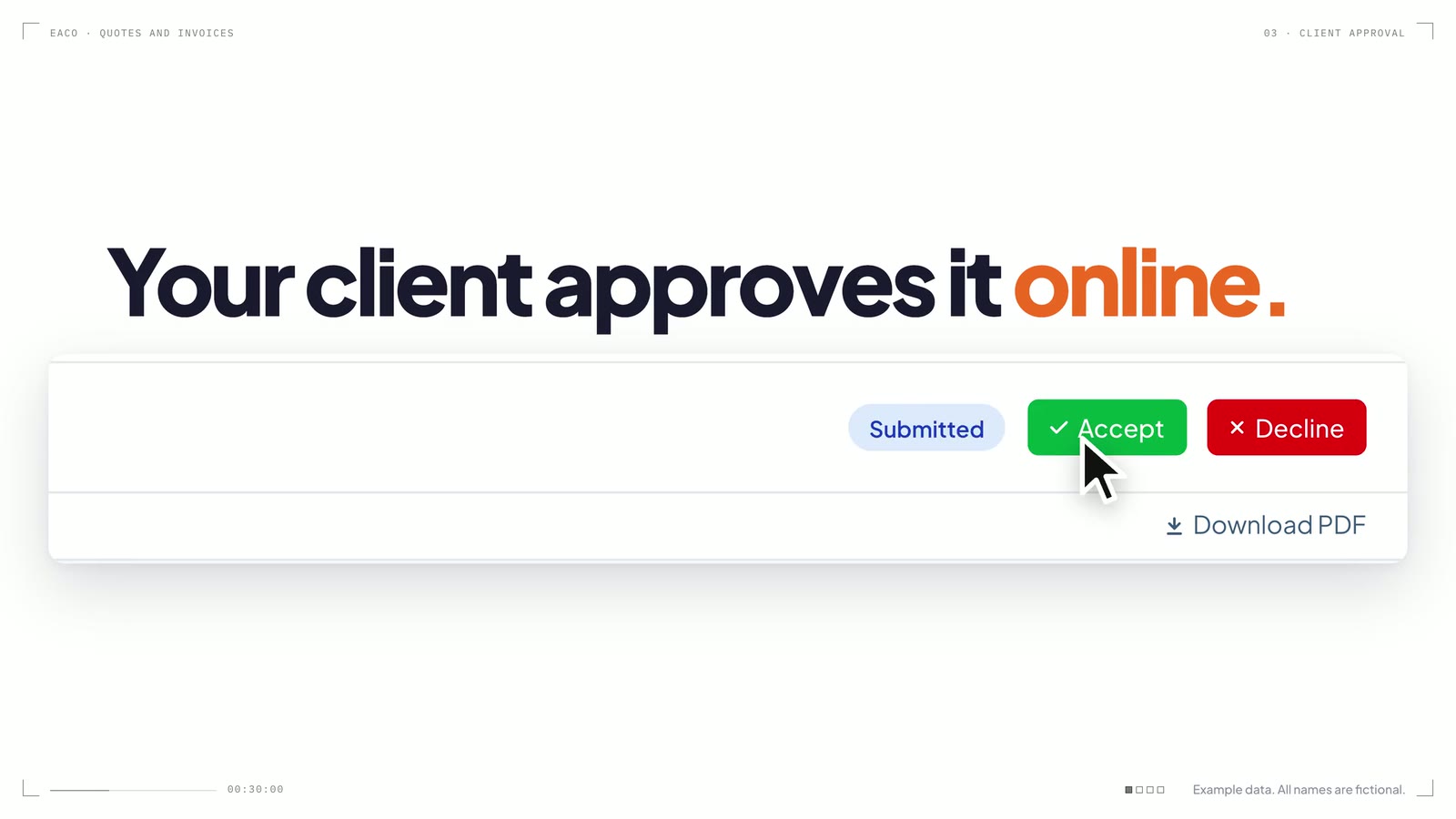
Quote the extra work. Keep your margin. Sell rates on the quote, approval in the portal, the contractor bill read by Eaco AI.

Manage every facility.

Every property, the assets inside it and the maintenance they are due, across the whole portfolio.

  • Properties on a map and in a list. Each one with its client and its site contact.
  • An asset register by building system. Mechanical plant, fire services, standby power and the rest, across every site.
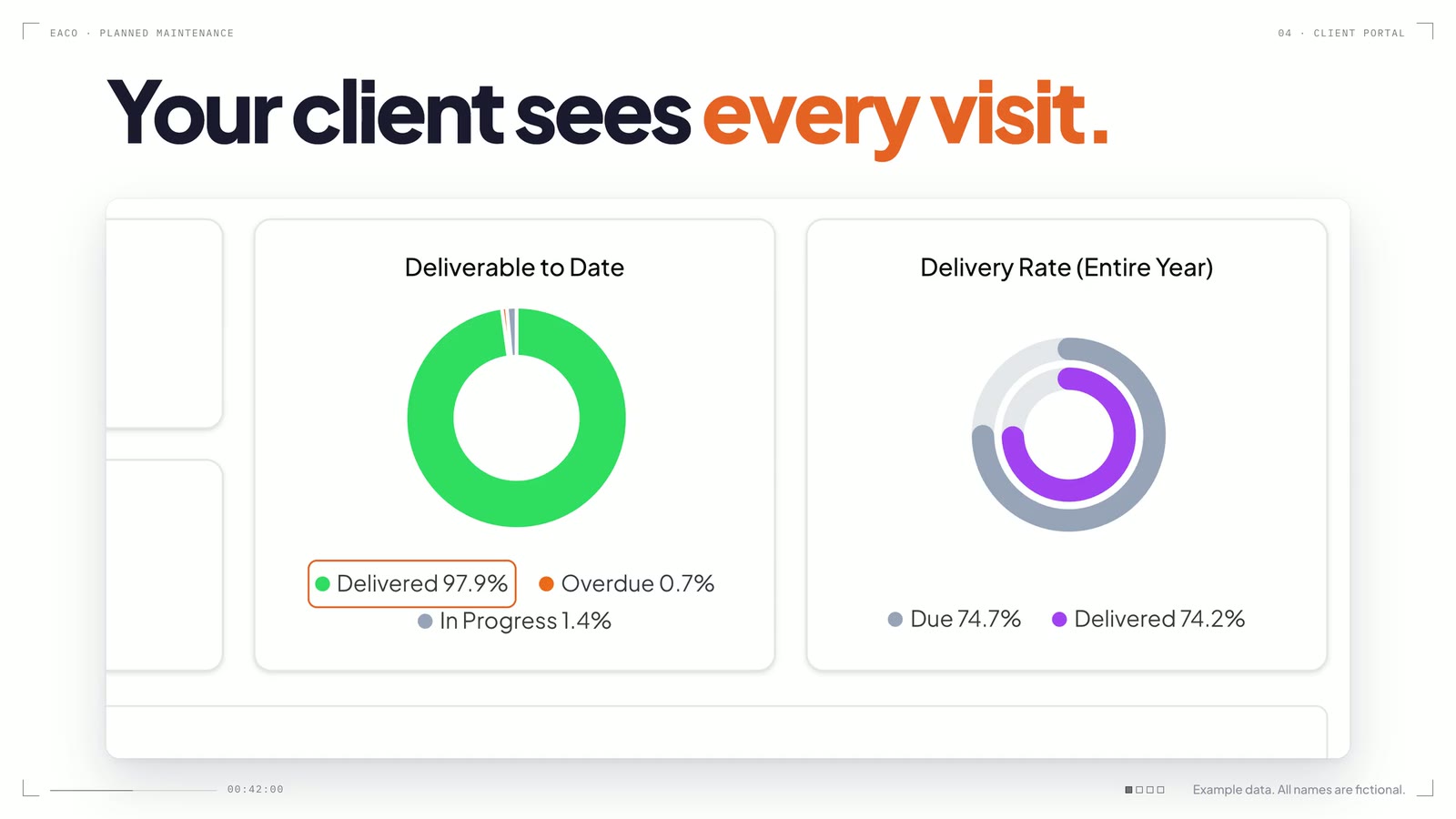
  • Planned maintenance that reports itself. Set a programme once. Each visit is raised before it is due, and the report shows what was delivered, late or overdue.
  • Know what to replace, and when. Condition readings, risk, remaining life and replacement cost sit on the asset.
Planned maintenance and assets
A frame from the film “Planned maintenance that reports itself.”
Planned maintenance that reports itself. Programmed jobs raised before they are due, every visit on the report, and each asset with its risk and remaining life.

Provide any service.

Soft services and hard services run through the same jobs, programmes and calendar, whether the work goes to a contractor or to your own technicians.

  • Trades and soft services side by side. Electrical, HVAC and plumbing beside pest control, grounds and facade cleaning, each with its own contractors.
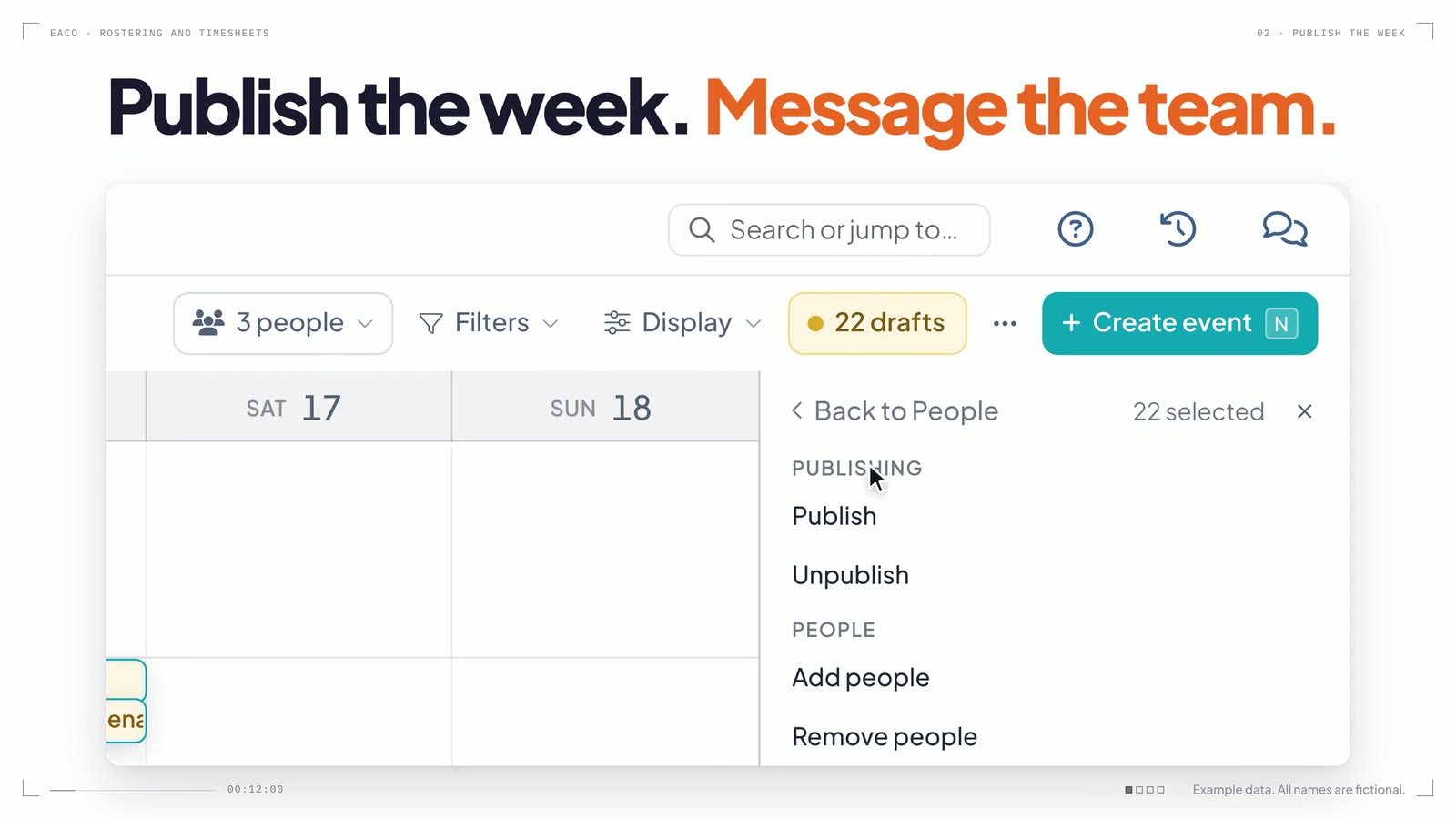
  • Your own technicians on the roster. Build the week, publish it and message the people on it.
  • Contractor ETAs on the same calendar. Switch on site attendance notices and see who is due on site beside your own shifts.
  • Check out, and the timesheet writes itself. Then approve the week in one go.
Rosters and timesheets
A frame from the film “From the roster to the timesheet.”
From the roster to the timesheet. Your own technicians and contractor ETAs on one calendar, through to approved hours.

Inspections, hazards and the numbers. Same record.

The forms your technicians fill and the dashboards you report from sit on the same jobs, sites and assets.

Build it. Fill it. Prove it.

An inspection built by hand or by asking Eaco AI, filled on site and reported without retyping.

How it works
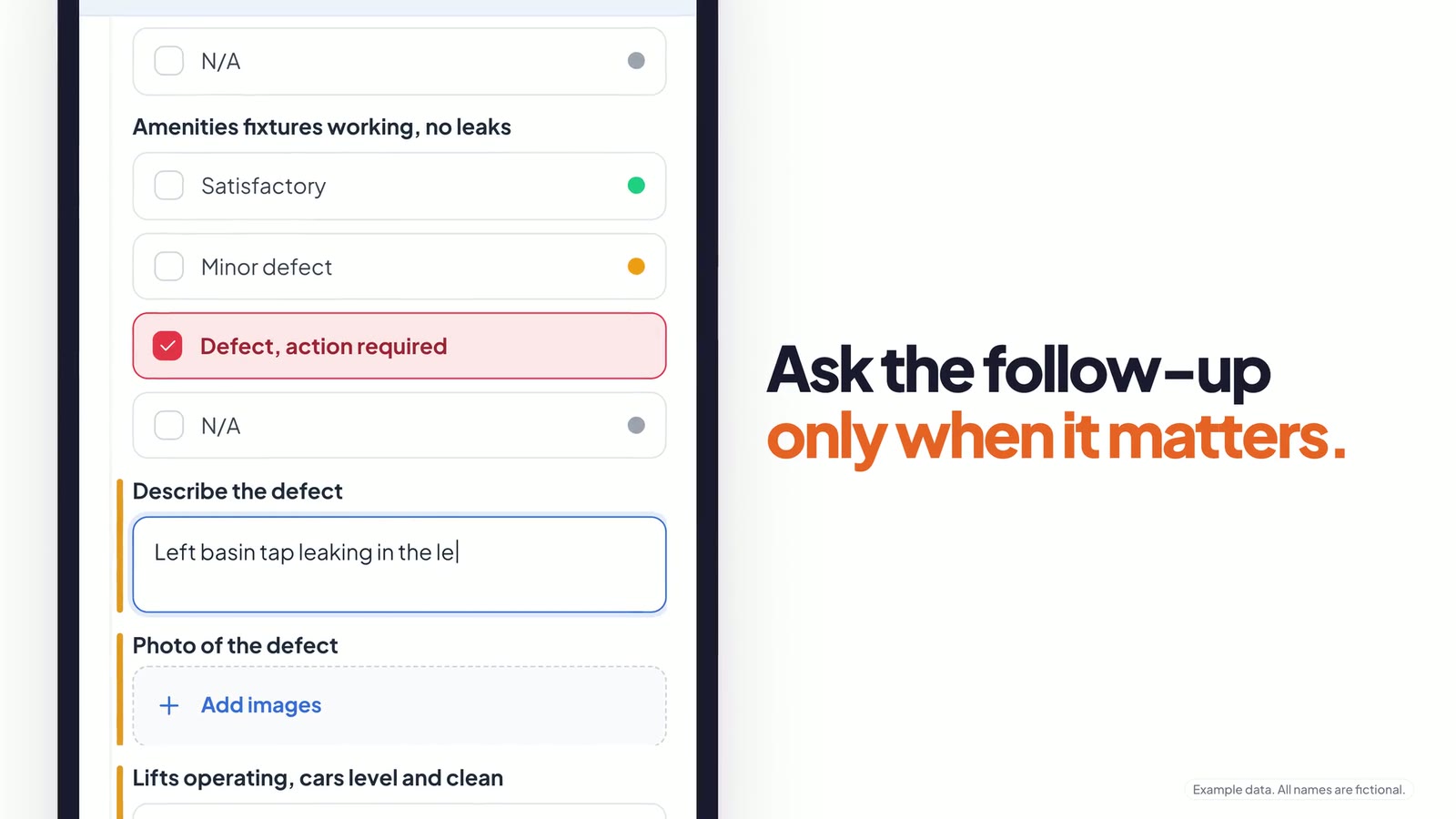

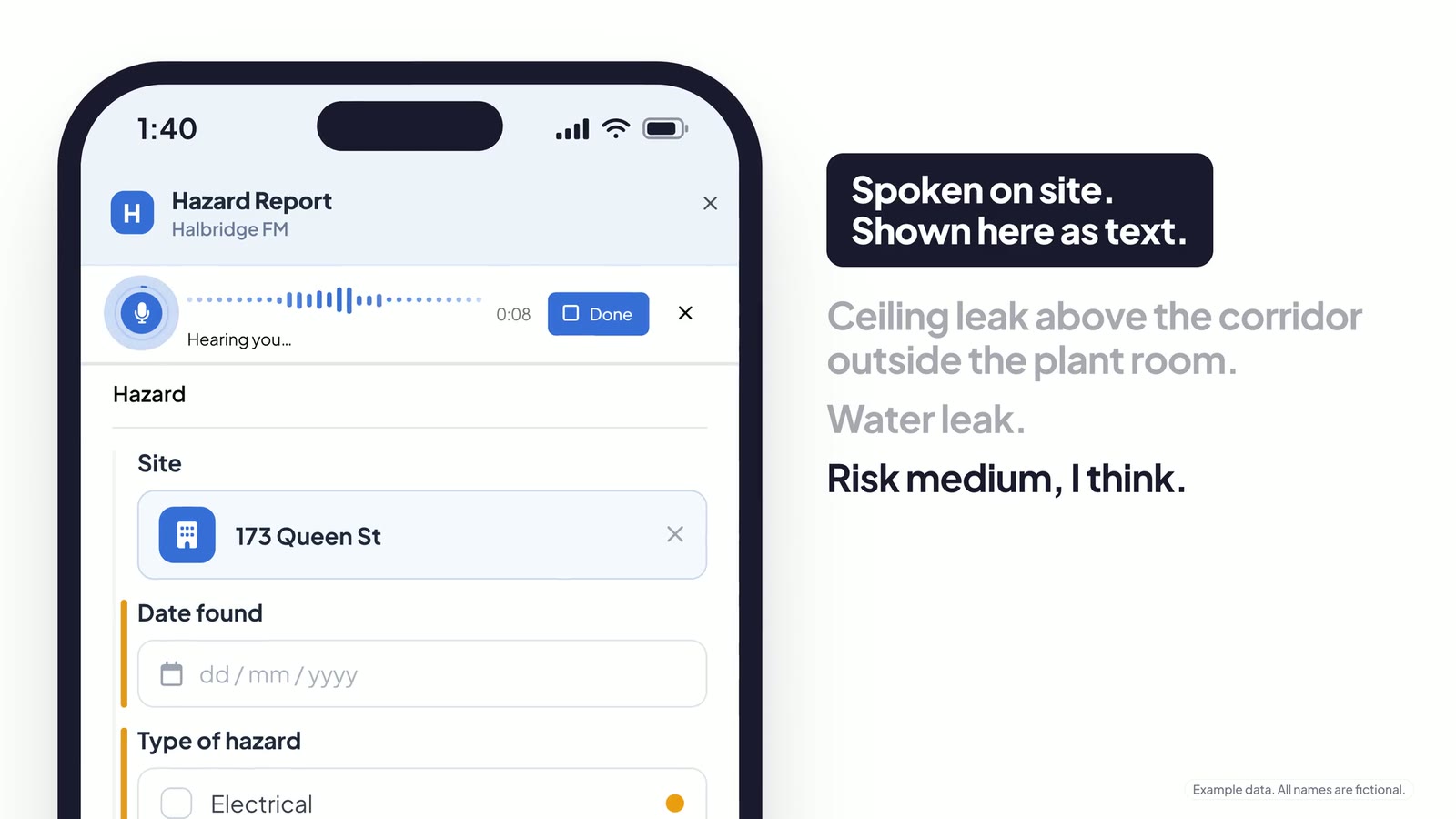
Reported on site. By voice.

A hazard described out loud becomes a report you check before it lands. Photos stay by hand.

How it works
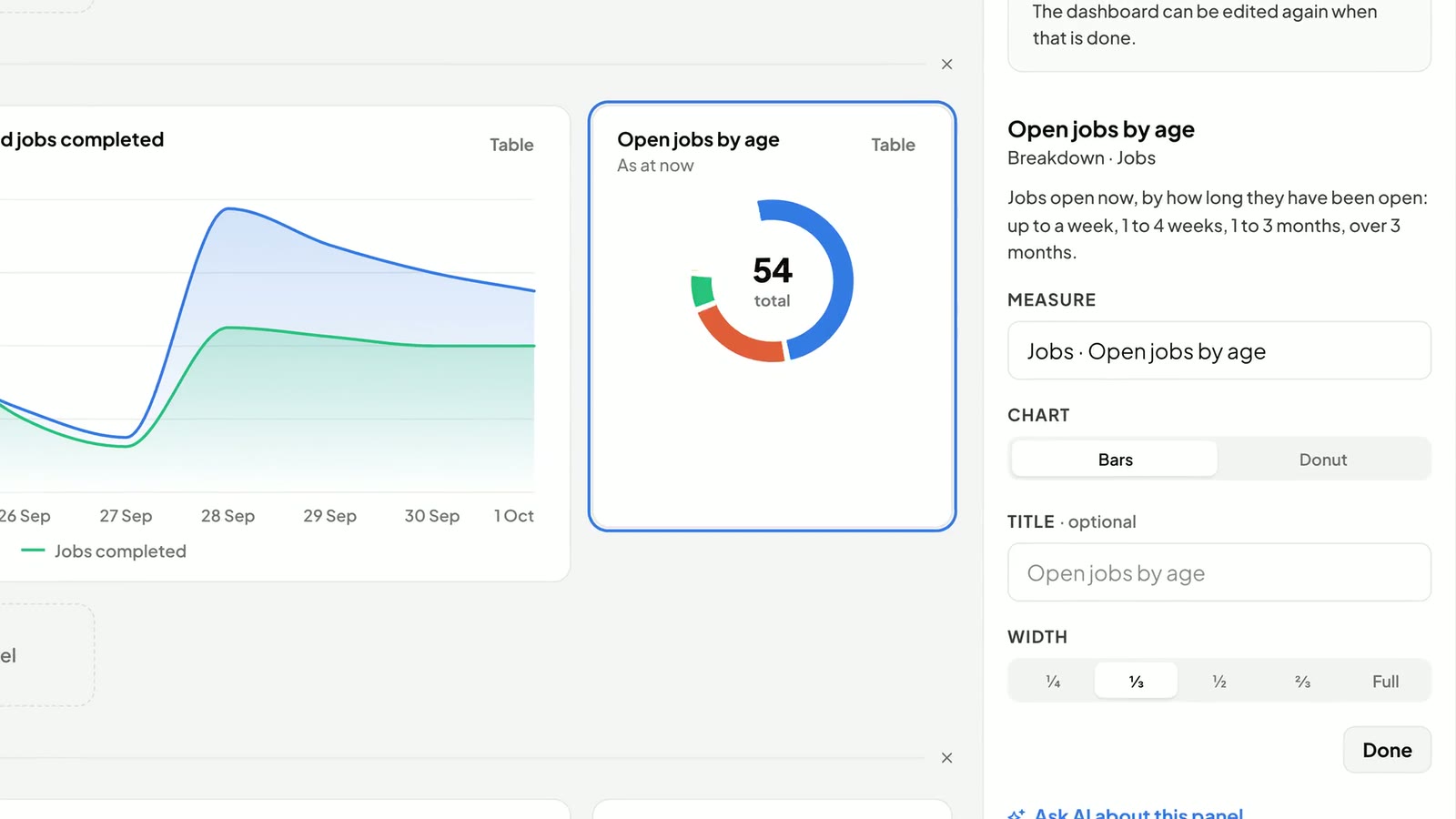
Describe it, and the dashboard builds.

Ask for the numbers you run the business on. Each person sees what their role allows.

How it works
Trusted by teams across Australia and New Zealand

ProgrammedServiceFMServicingSAMPS IntegratedStorm InternationalAustralian IT ServicesBinirisKiwi Maintenance GroupSharperCharmaxMethodist Ladies' CollegeMetrowide Facility ManagementFacility Management ServicesMayflowerKestrel Cleaning ServicesProactive CleanersSeppelt Great WesternMuru MittigarPLM ElectricsRilianClearway Contract CleaningKleenrite GroupBlack & White Home Services

Bring one building. See it run in Eaco.

Tell us about a site, its contractors and its maintenance schedule. We will show you the jobs, the compliance checks and the client's report for it in Eaco.

Example data. All names are fictional.