22 Platform Updates. Here Is What They Change On The Ground.
Nobody wakes up in the morning wanting software.
You want the job done. Done right. Proven it was done. Then paid for, without three phone calls and an argument over a spreadsheet.
That is the only reason a product update should matter to you. Not because it is new. Because it takes cost, time or risk out of your week.
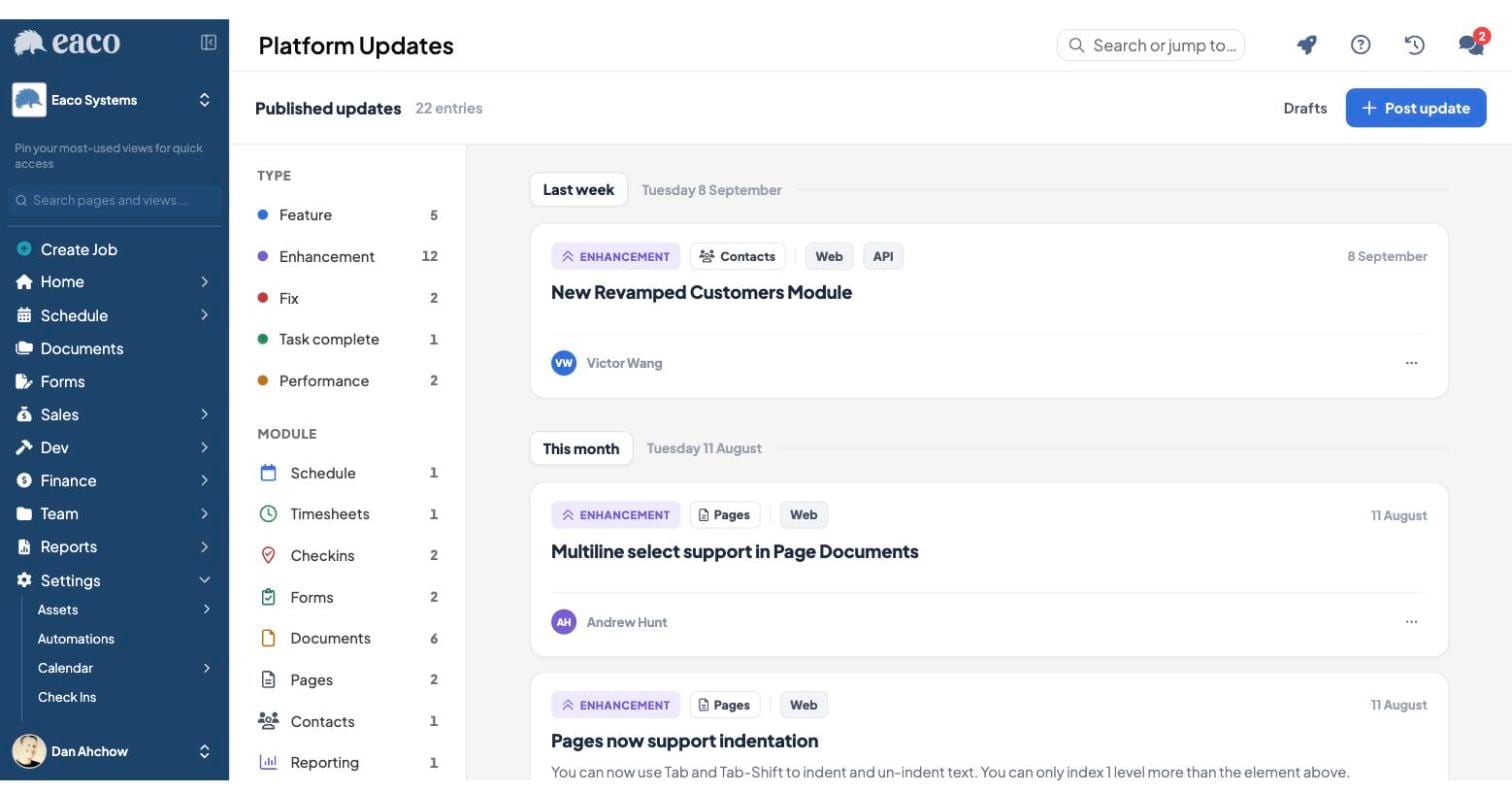
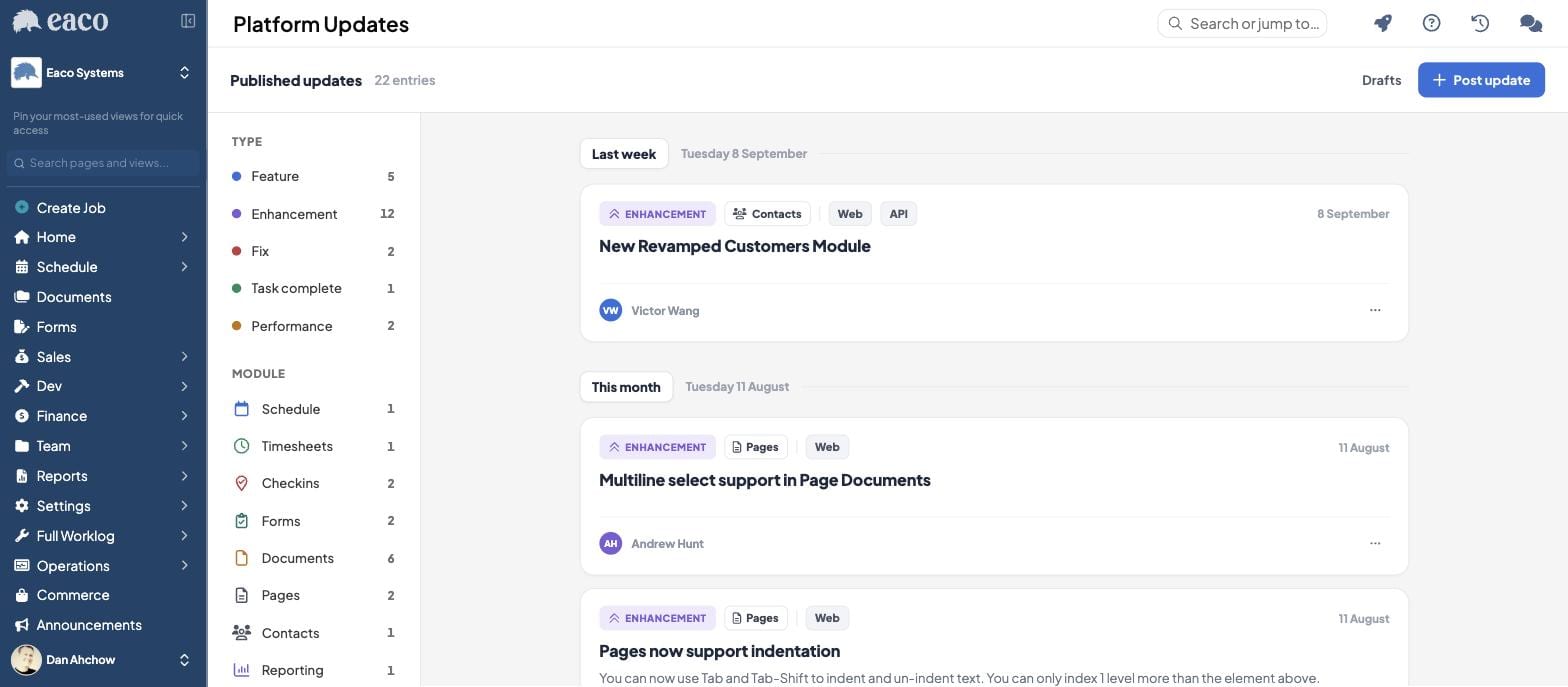
We have shipped 22 updates since late July. Here is what they change for the people running commercial cleaning, facilities management and property services businesses across Australia and New Zealand.
Your customer list is an asset. We started treating it like one.
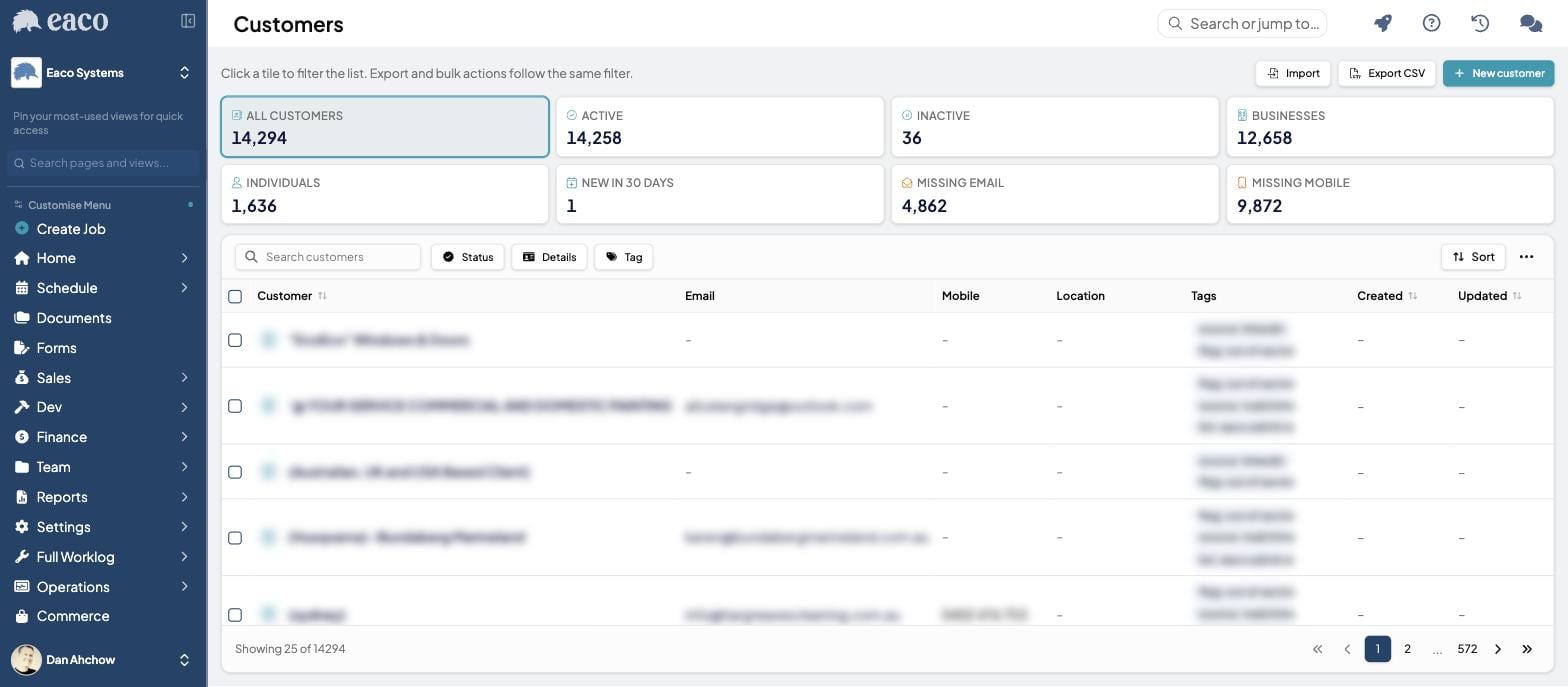
The Customers module has been rebuilt, on the web and through the API.
In this industry, contacts move. The facility manager who signed off your scope in March has a new job by June. The site contact changes the week the centre changes hands. If all of that lives in one person's inbox and one person's head, you do not own a customer list. You are renting one, and the lease is up the day that person resigns.
The new Customers module puts your customers, their sites and their people in one place the whole team can see, and exposes it through the API so the rest of your stack stays in step.
Work out what one lost contract costs you. Then work out what it is worth to never lose the thread on a client again.
Documents. Six of the 22. This is where your admin hours go to die.
Six updates landed in Documents. That was deliberate.
Your business runs on paper it never wanted to run on. SWMS. Inductions. Site plans. Scopes. Incident photos. Cleaning specs. Safety data sheets. Certificates of currency. Every one of them is invisible until a client, an auditor or a lawyer asks for it. At that moment it is the only thing that matters.
So we made the filing cabinet behave.
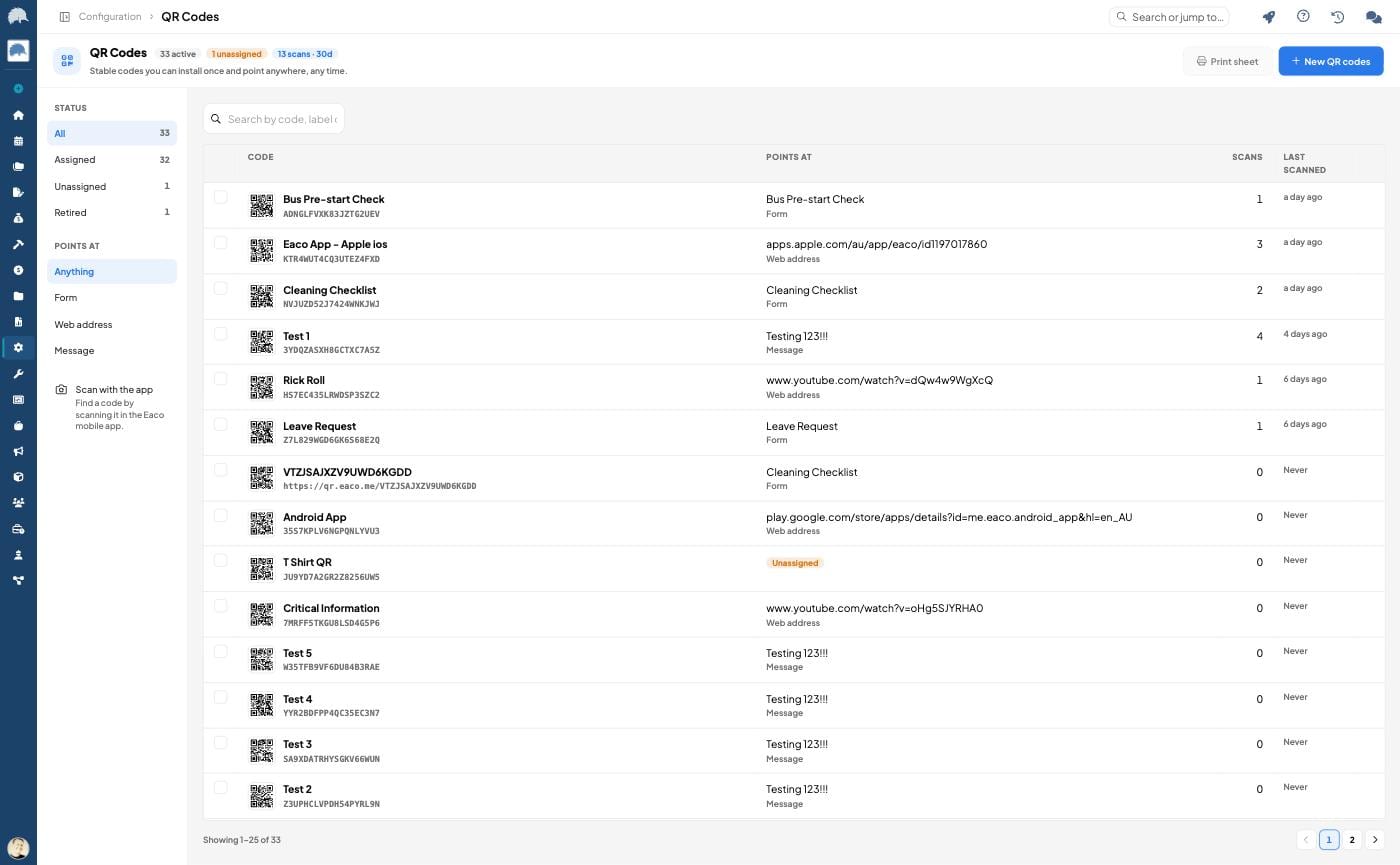
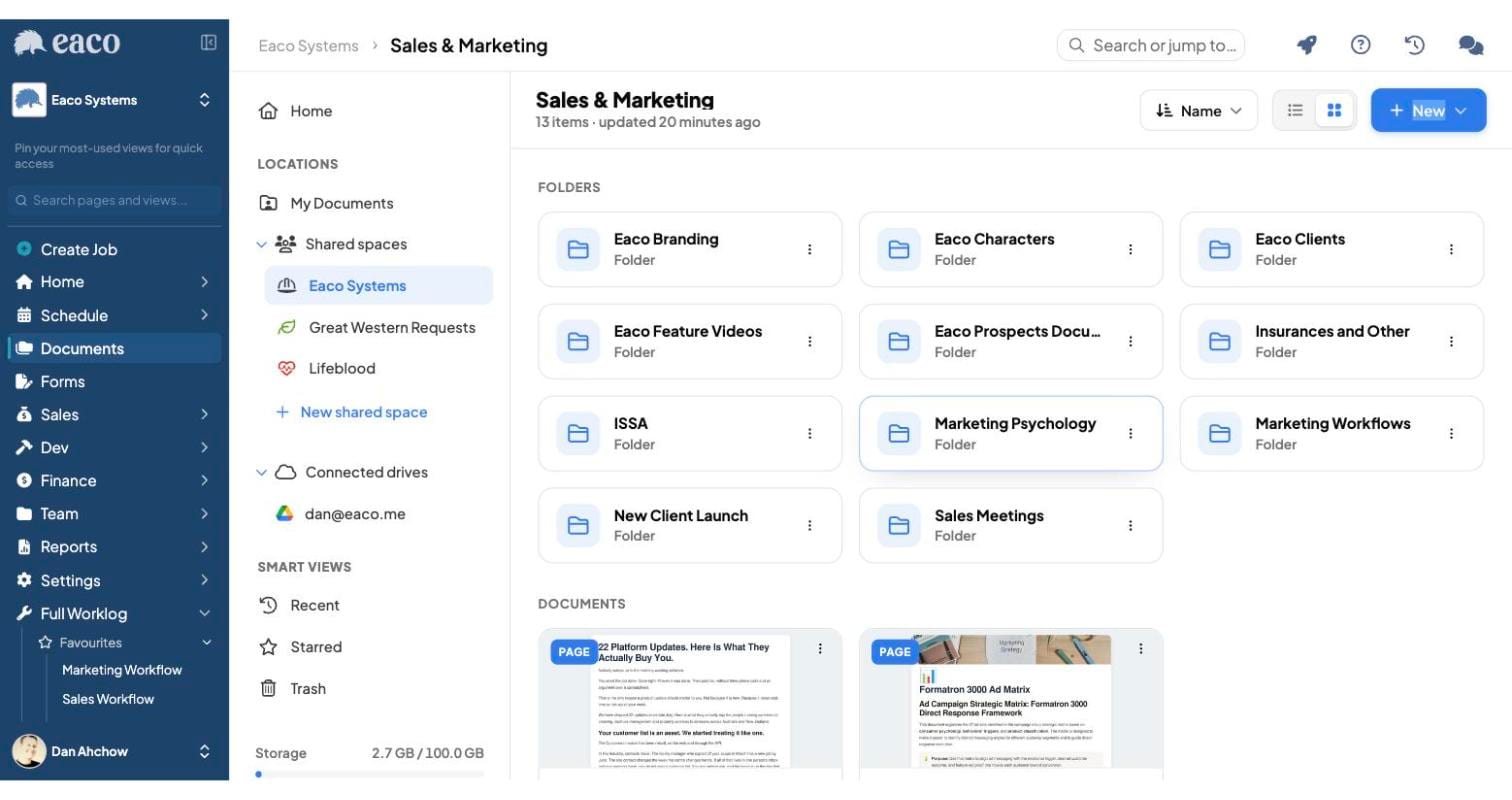
Move anything anywhere. Files, folders and pages now move between spaces, jobs, managed properties, assets and projects. The document follows the work instead of the work following the document.
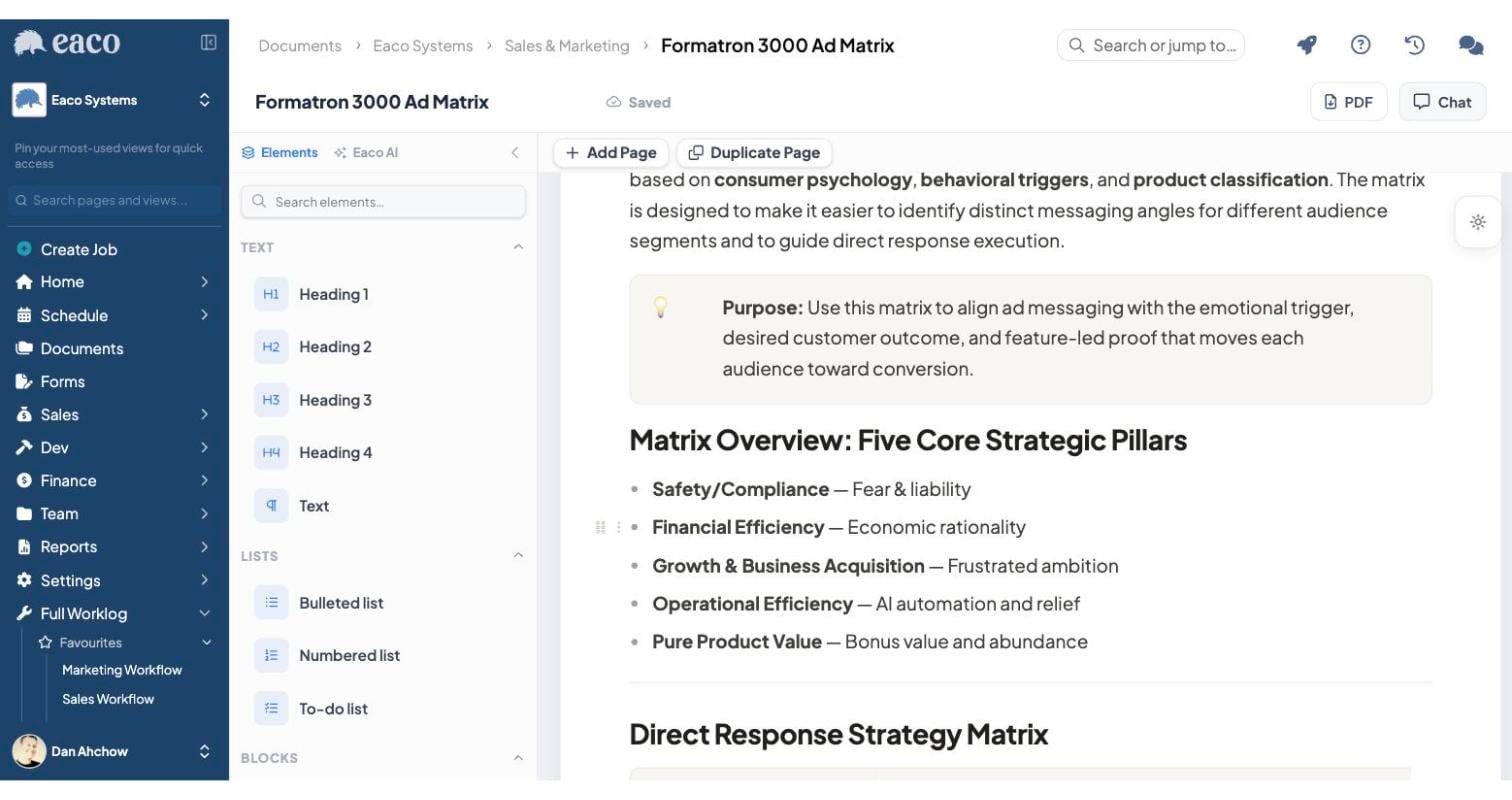
Send it as a PDF. Download any page document as a PDF, straight from Documents or from the page itself. Client wants it in writing? Two clicks.
See it before you open it. Documents now have thumbnail previews. You stop opening six files to find the right one.
Right click, like every other tool you already use. Right click anywhere on a file or folder for the full menu.
Drag, drop, multi select. Drag files and folders into folders and shared spaces. Cmd or Ctrl to pick a few, shift to grab everything in between.
Google Drive, connected. If half your business already lives in Drive, you no longer have to choose which half is the real one.
Run the numbers. If a supervisor burns 20 minutes a day hunting for the right document, that is roughly 80 hours a year. Ten supervisors is 800 hours. You are paying most of a salary to look for PDFs.
Pages that do not fight you
Pages now support proper indentation with Tab and Shift Tab, and multiline select.
Small updates. Big consequence. The reason people abandon a document tool and go back to Word is friction, not features. And every doc that goes back to Word ends up as an attachment on an email that nobody can find in eight months when the client asks for it.
Reports that turn up without you asking
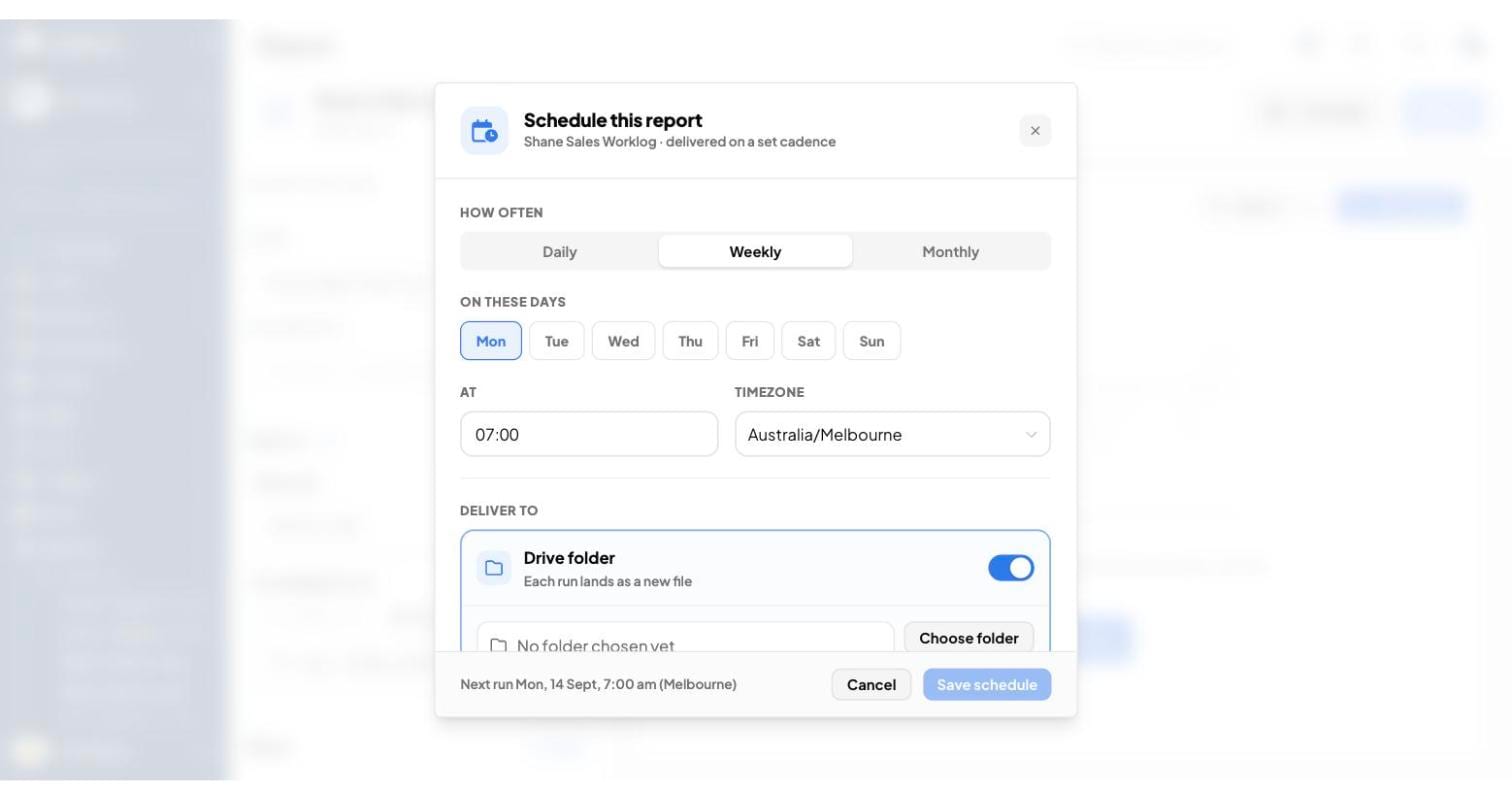
Reports can now run automatically on a schedule and land in a drive or an inbox on their own. You can also download, save or email any report directly. The whole thing got a redesign while we were in there.
Here is the rule. The report you have to remember to run is the report you stop running by week three.
Set your client a monthly performance pack that arrives in their inbox on the first of the month, every month, without a human touching it. That is not reporting. That is retention. Contracts get renewed by the supplier who makes the client feel in control.
Check-ins, because proof is the product
Two arguments cost this industry more money than anything else. The first is "your cleaner never showed up". The second is "we did the work, pay the invoice".
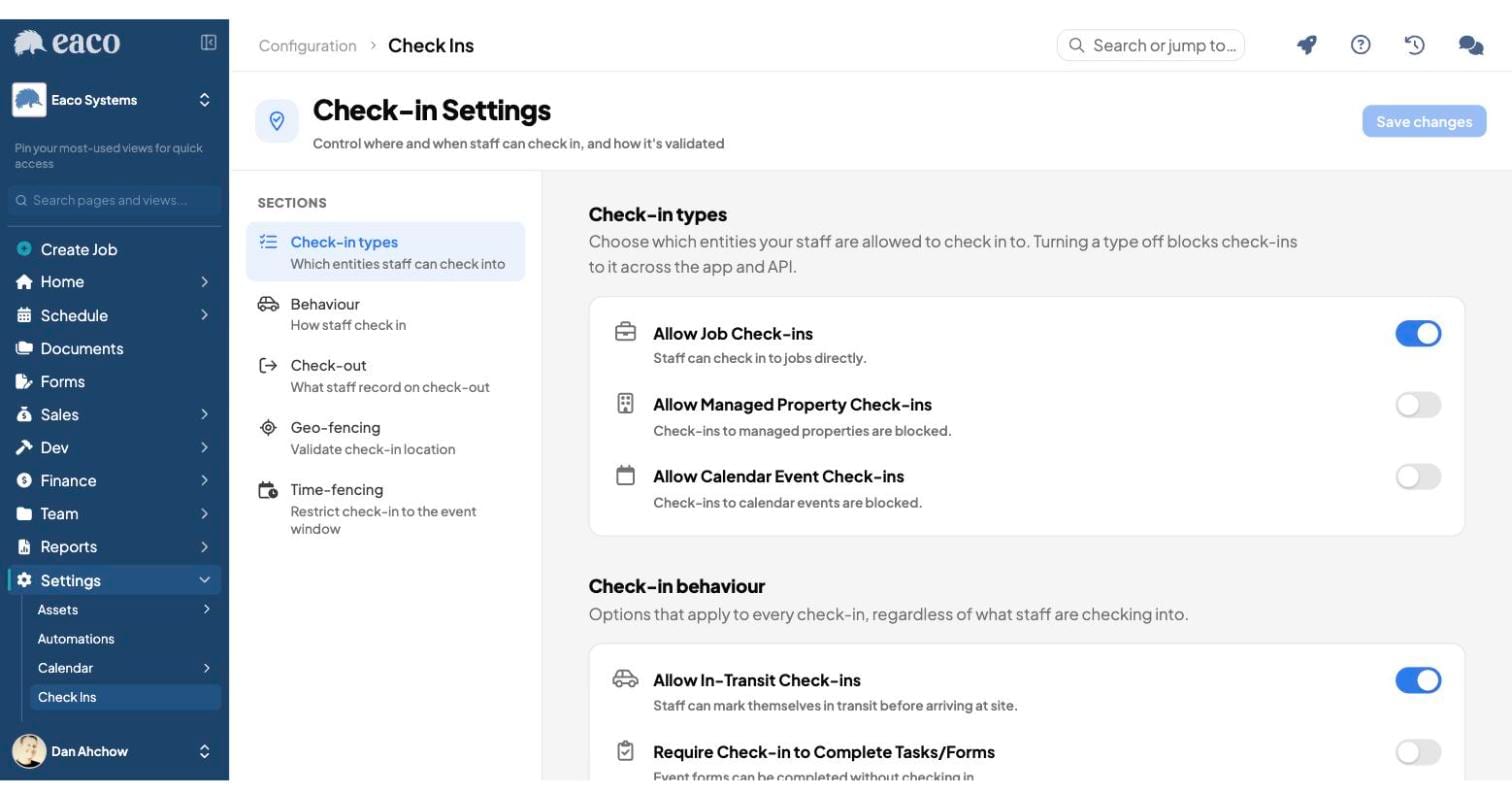
Check-ins can now be tied to calendar events with time fencing, so the check-in has to happen in the window it was scheduled for, not at 4pm from the car park on the way home. A check-in can also be linked to more than one entity now, with the real one marked as primary, so a single visit can sit against the site, the job and the asset at the same time. Background geolocation on mobile got better in the same run.
This is not about watching your people. It is about deleting the argument. The business holding the evidence wins the dispute every single time, and the business without it pays for work it already did.
Forms you can send out into the wild
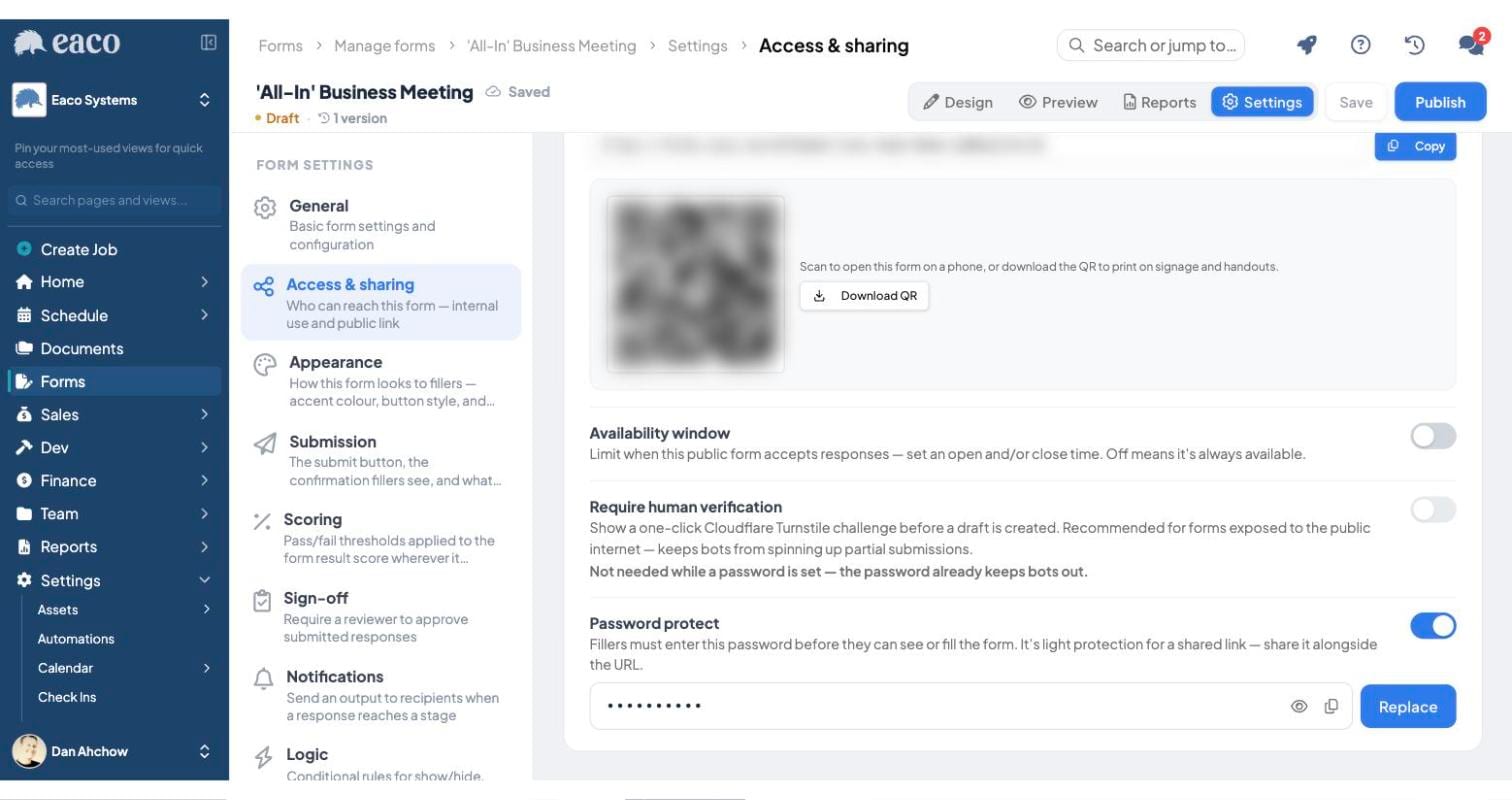
Public forms can now be password protected.
Public forms are how you collect from people who will never have a login. Subcontractors. Client site managers. Visitors. Tenants. Job applicants. The problem with a public link has always been that it is public. Now it does not have to be.
We also fixed the time task component on Android and pushed it over the air. Nobody had to chase 200 field staff to update an app. That is worth more than it sounds.
Speed is a feature. It might be the feature.
The mobile app moved forward three major framework versions. Start time and general use are noticeably faster, background geolocation is more reliable, chat thumbnails behave, and a long list of things under the hood got fixed. On the platform side, search sync is faster and lighter, it survives pod restarts and cluster upgrades, and a full re-index now takes about two hours.
A cleaner standing in a plant room at 5am gives your app about three seconds. If it does not open, they do the job anyway and tell you later. Or never. Now you have no time record, no photo, no proof, and a customer complaint you cannot answer.
Slow software does not annoy your field team. It makes them quietly stop using it. And a system your field team has stopped using is a system you are paying for twice.
Franchise and subcontractor models, without giving up control
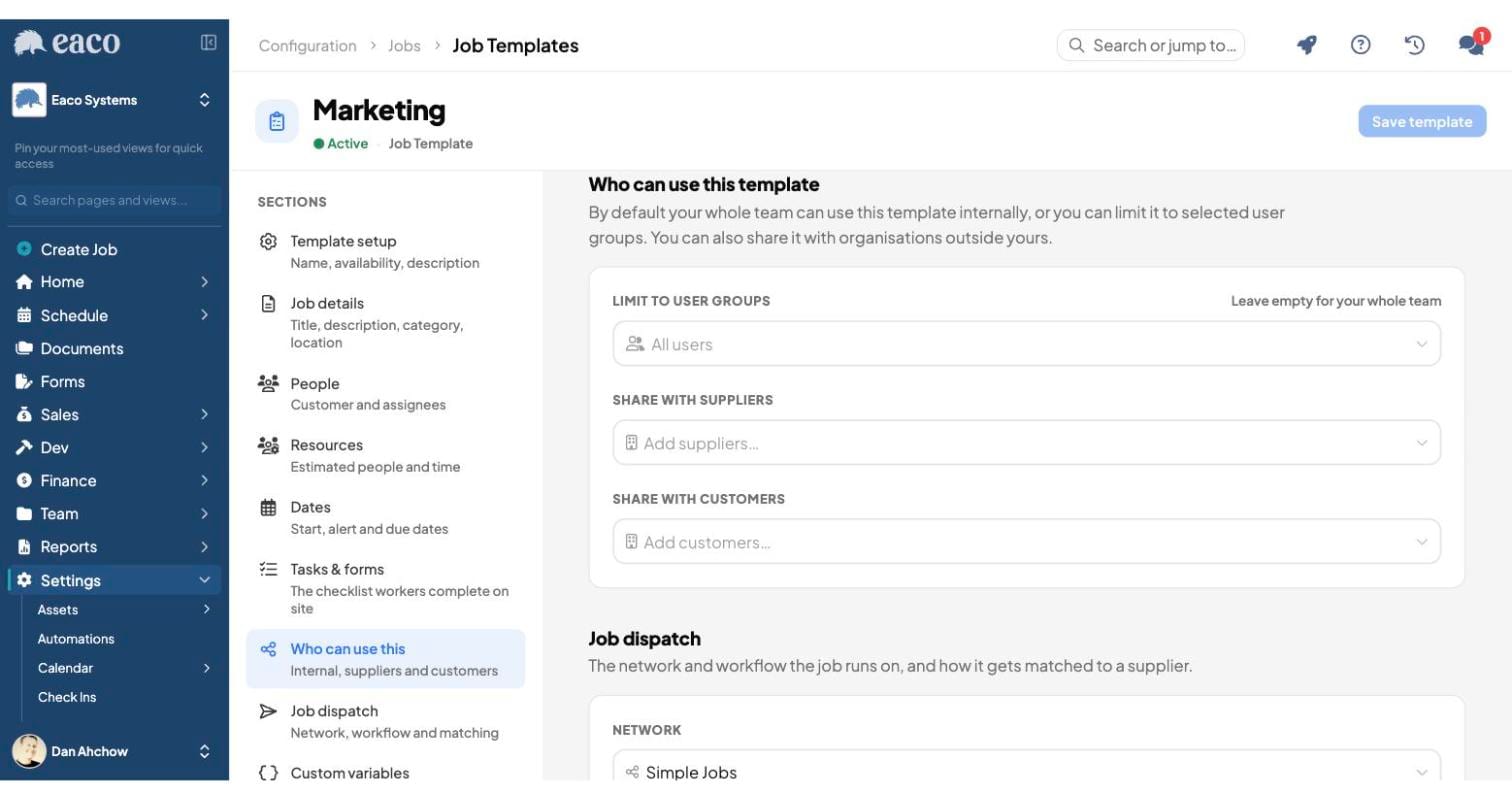
New Job Template setting: the supplier can now edit job details. Built with Wash Drones, and it is the unlock for anyone running a franchise or licensee network.
The franchisor builds the template and owns the jobs created from it. The franchisee raises and edits jobs off that template. Both sides see and work on the same record. You get standardisation without taking the hands off the people actually doing the work.
If you run a network of licensees, subbies or branches, this is how you grow without turning head office into a call centre.
Job Templates also got a design pass across both the config and the form, and the Xero integration config moved out of classic into Next, so your billing setup lives with everything else instead of in a tab you forgot about.
Announcements now reach your suppliers
Your subcontractors are your capacity. If you cannot get one message to all of them at once, you do not have a supply network. You have a contact list.
Announcements now send to suppliers as well as staff, and sending to groups is fixed. Insurance expiring. Rate change. New site rule. Public holiday roster. One message, everybody who needs it, no chasing.
And the boring ones people actually thank us for
The timesheet admin view now lists staff alphabetically. We fixed an issue where the same user could be added to a calendar event more than once.
Nobody is writing a case study about either. But if you approve 80 timesheets on a Monday morning, alphabetical order just handed you your morning back.
What 22 updates actually add up to
None of these are glamorous on their own. That is the whole point.
Businesses in this industry do not die from one big thing. They bleed. Twenty minutes here. A missed check-in there. A report nobody ran. A document nobody could find at the exact moment a client asked for it. None of it ever shows up on the P and L with its own name. It shows up as a margin thinner than it should be, and a team that feels busier than the revenue says they are.
So here is the only thing worth doing with this list. Open Eaco, pick three things on it you are not using yet, and turn them on this week. Not ten. Three. Then watch what your team stops doing.
That is where the money is. It always was.
Two ways to go further
Explore all of the features here.
Book a personalised demonstration here.