9 Upgrades in 2 Weeks. Your Competitors Didn't Get the Memo.

Most software companies ship one update a quarter and call it a roadmap.
We shipped nine in under two weeks.
Not fluff. Not "we moved a button". Real upgrades that save your team hours every single week.
Here's everything that landed in Eaco since 18 September. Read it fast. Then go use it.
1. Action Items Just Grew Up
Here's the problem with most to-do lists: the task lives in one place, but the work touches five.
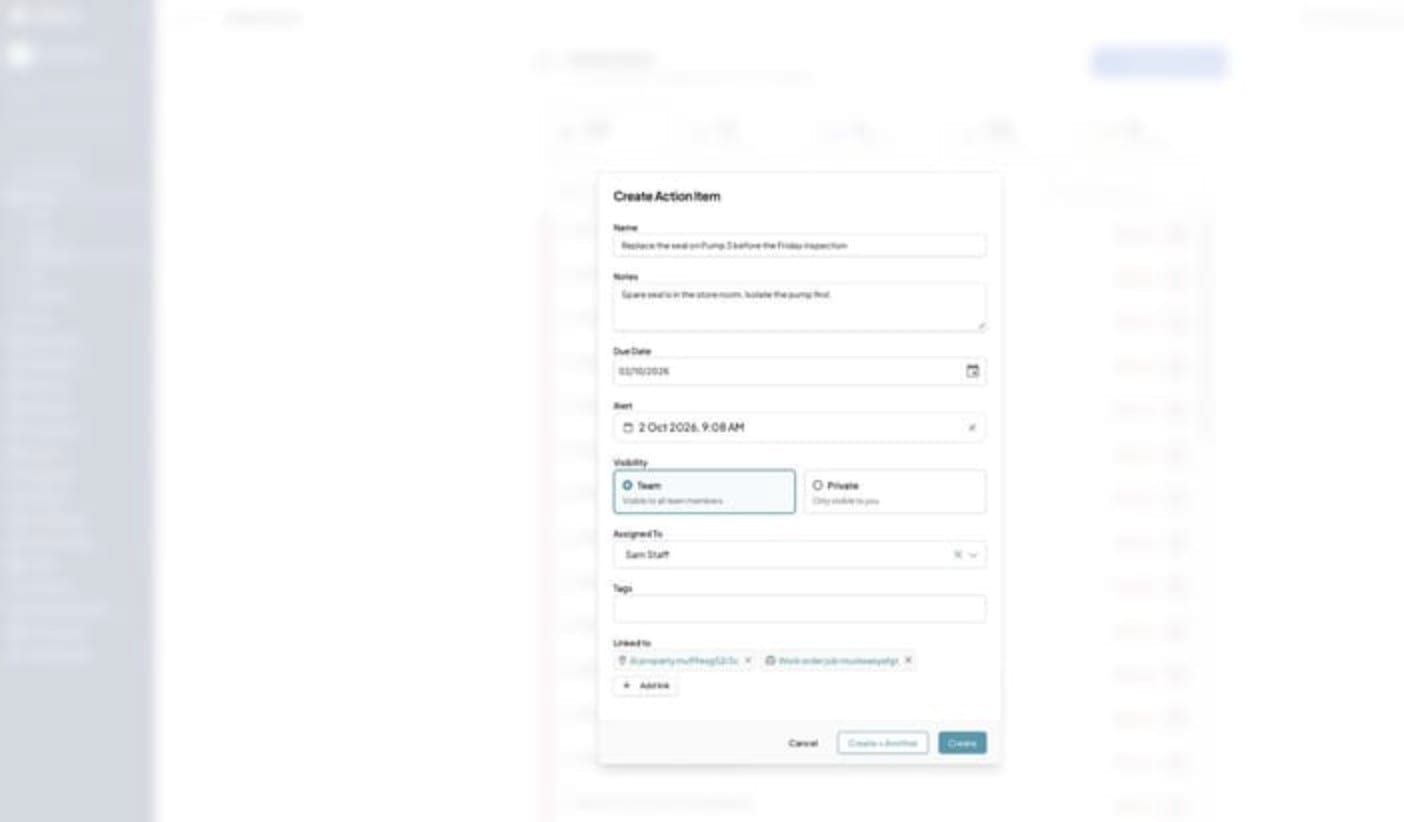
Now one action item can link to any mix of jobs, properties, assets, projects and contacts. Every linked record shows it on its own Action Items tab.
Link a job and the site comes along for free. Raise an item on a job and it shows on the property too.
Assign it to a group, a person, or both. The group is who can see it. The person is who does it.
And the best bit? Reminders. Set an alert time and when it hits, the assignee gets an email and a push notification. No more "sorry, I forgot".
Oh, and "due today" now means due today in your time zone. Midnight somewhere else doesn't make you overdue anymore.
2. Your Emails Now Report Back
Ever sent an invoice and wondered if it actually landed? Stop wondering.
Delivered. Opened. Bounced. Eaco now writes it straight into the communication log of the job or invoice the email came from.
Every attachment gets a download link underneath it, so someone reading on their phone can save the file in one tap.
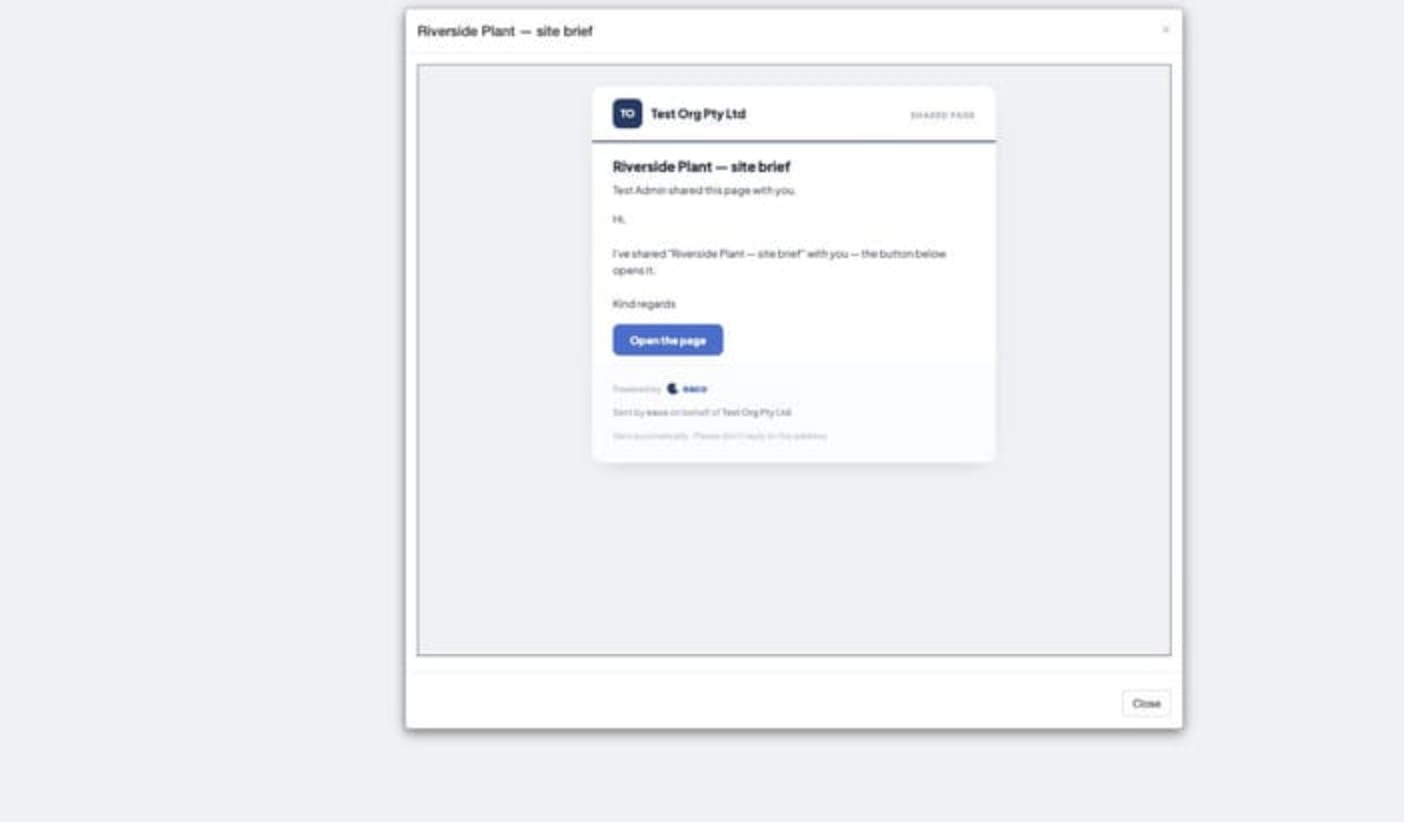
Shared pages go out in their own email with the page name and who shared it. Catalogue order receipts land on the order's timeline as they come in.
Less chasing. More knowing.
3. Faster. And It Won't Lie to You.
Two things matter in software: speed and truth. We upgraded both.
Speed. Far less gets downloaded before you log in. Icon packs load on demand. Rarely used screens don't ride along in the main bundle anymore. Everything is compressed properly on the way to your browser. Every page moves less data.
Truth. When the server says no, the app now tells you. Dragging a calendar event, changing a workflow stage, approving a job, emailing an invoice, saving an action item. If it didn't save, you'll know. No more editors closing like everything went through.

4. We Rebuilt the Engine. Then Killed 250 Bugs.
This is the one nobody claps for. It should be the one everybody claps for.
The core platform moved from Symfony 3.4 to 4.4. While we were under the bonnet, we ran an automated crawl over every screen and every API route. It turned up hundreds of quiet faults. We fixed them.
Boring? Maybe. But boring is exactly what you want from the system running your business.

5. Check In. Fill the Form. Done. One Screen.
Before: tap check in, tap through to the form, fill it in, tap back, hope nothing got lost.
Now: the form fills right there inside the check-in sheet, under the task heading. Same required-field checks. Same autosave.
Tap Check In once and every form submits with it. Miss a required question and Eaco points you straight at it.
Tip for form designers: short single-page forms work best here, and Eaco will now flag it if you add a multi-page form as a check-in task.
It's live now as an over-the-air update. Open the app twice if you don't see it yet.

6. Mobile 5.30.6: The Forms Glow-Up
Over the air. No app store. It just turns up on your next launch.
- One fill screen everywhere. Job task, check-in or Forms module: same paging, same checks, same save. The doubled header is gone.
- Geo tag actually tags. It uses the phone's location and shows the captured point on a map.
- Jump to page is smarter. It shows how many required questions are left and clears the home bar on newer phones.
- Little things, done right. Sliders sit flush, and the Forms hub no longer sticks on a loading spinner.
- App Info shows your exact update. Pop it in your screenshot when you report a problem and we can help faster.

7. Your Colours Now Follow the Answer
You colour-coded your options. Green for pass, red for fail. Smart.
Now those colours carry all the way through. Every selected option shows as a coloured chip in Form Results on the web, in the mobile app and in the PDF.
Works on new and existing responses. Nothing to migrate. Emailed outputs pick it up too.
One glance and you know if the site passed.

8. Every Response Now Tells You Where It Came From
A form response without context is just noise.
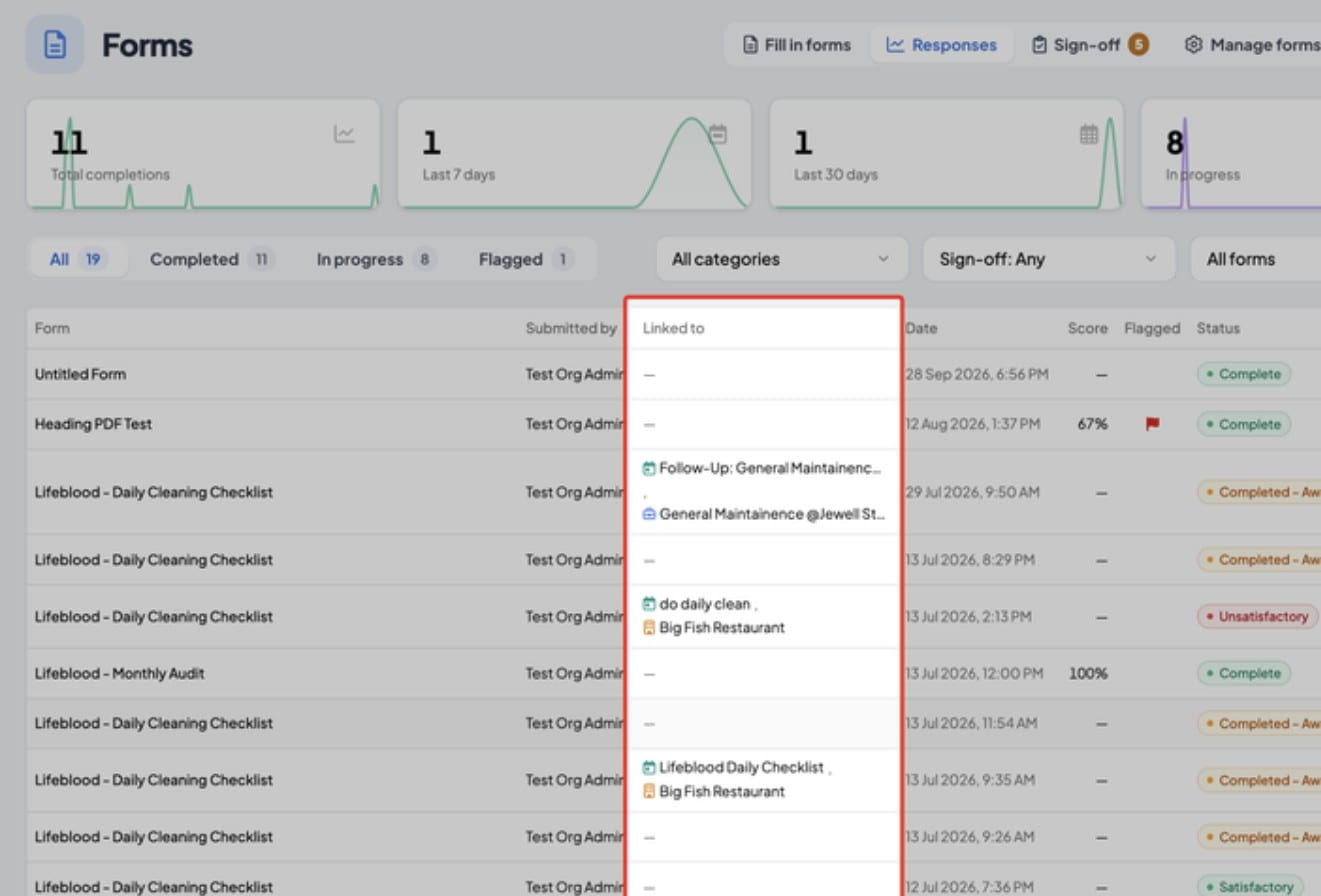
There's a new Linked to column on the Forms Responses page and on every form's Results tab. It names the job, property, event or record each fill was tied to. Click the name and you're there.
Filled from a calendar event? It links the event, its job and the job's property. Filled as a job task? It links the job and its managed property.
And we went back and linked your past task responses too, so your history lights up today.
9. Ratings and Sliders Now Count Toward the Score
Your star ratings were sitting on the bench. Now they're in the game.
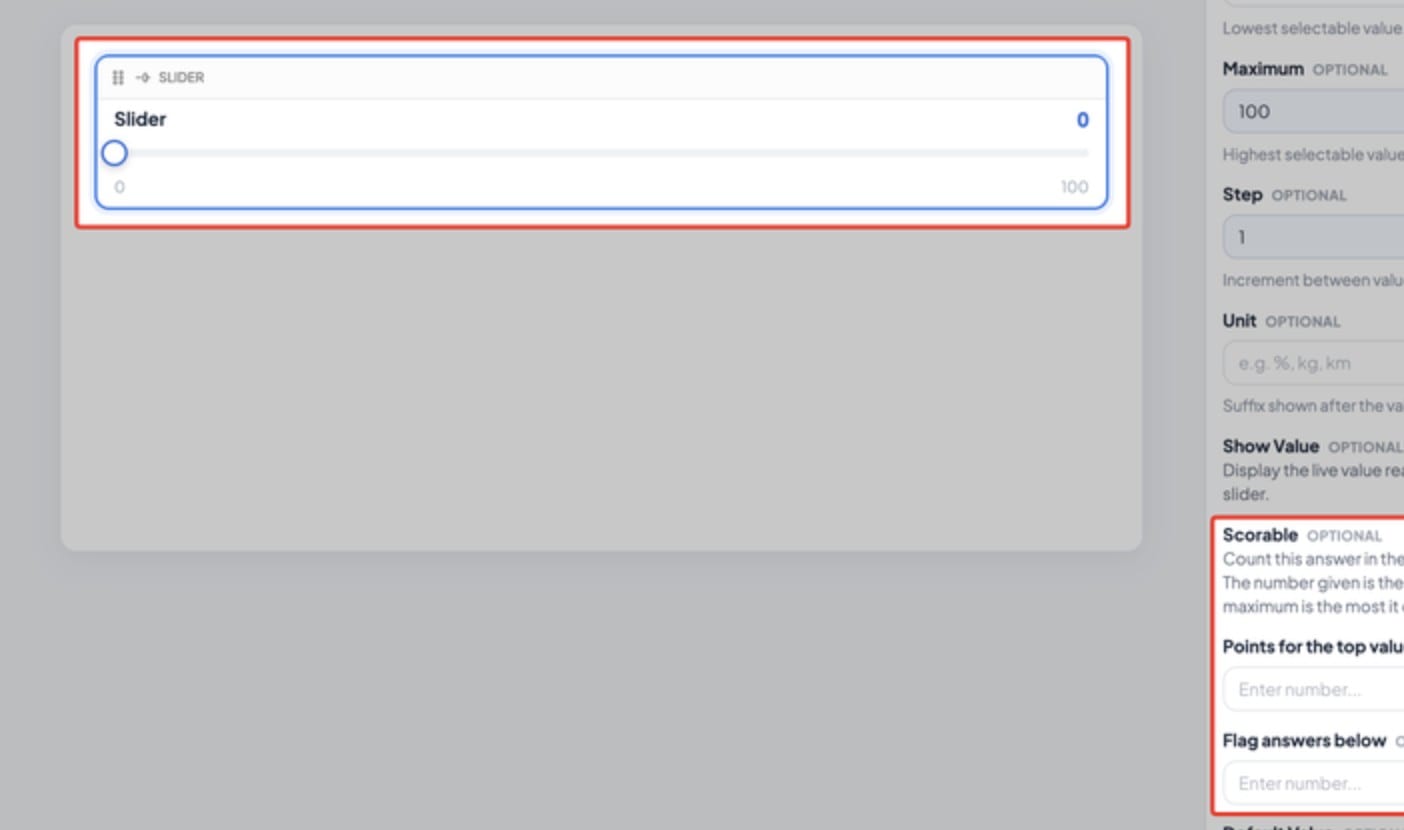
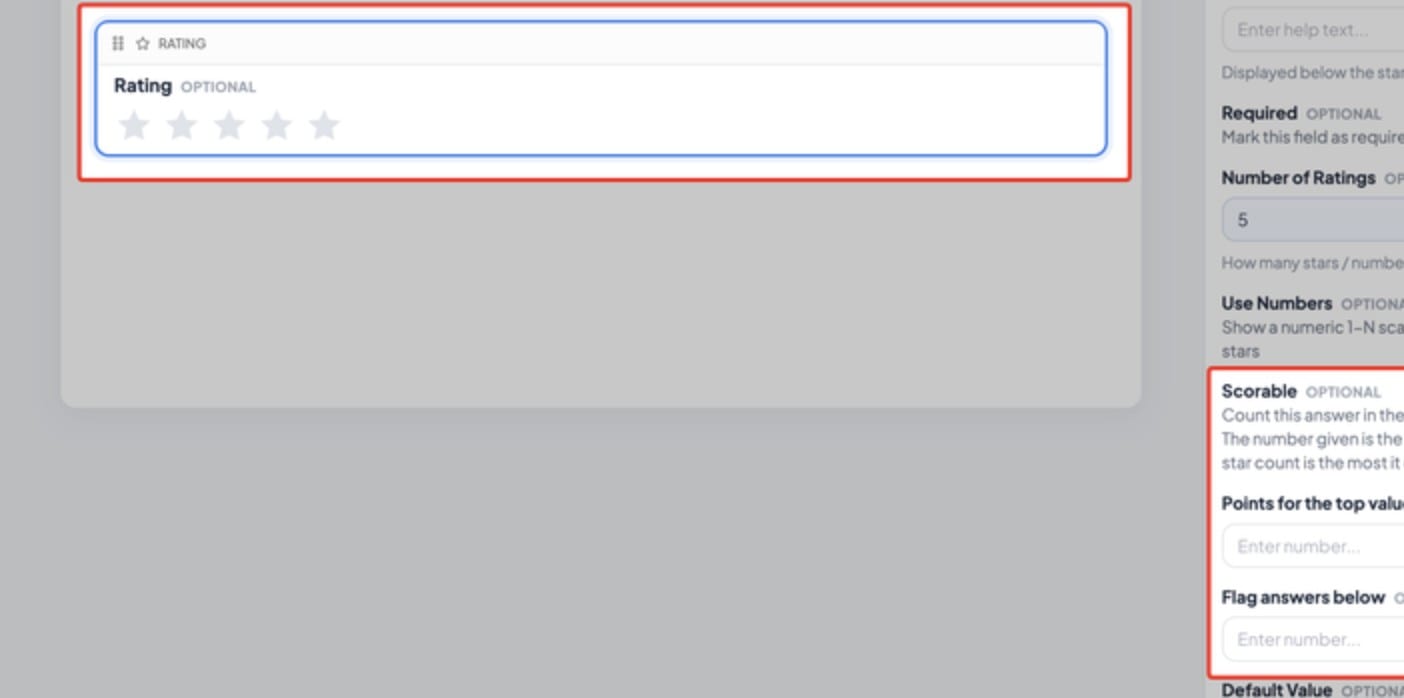
Flip the new Scorable toggle on any rating or slider question. Set the points for the top value, or leave it blank and five stars is worth five.
Then set a Flag below number. Any low answer gets flagged automatically, so it jumps out in the results list and at sign-off.
Scores, percentages, breakdowns and live stats all include them. Web and mobile score exactly the same. Existing forms don't change until you flip the toggle.
Here's the Truth: The Train Is Leaving
Nine upgrades in under two weeks. That's the pace now.
Every week you run your operation on spreadsheets, group texts and "I thought you did it", the businesses on Eaco pull further ahead.
They're getting reminders on their phones. They're seeing which emails bounced. They're scoring site inspections on the spot and catching the low scores before the client does.
You're not.
And here's the kicker: everything in this post is live right now. Not "coming soon". Now.

Not on Eaco yet? Book a demo this week and we'll show you these exact features running on the kind of work you do.
Already on Eaco? Log in today and switch on one thing from this list. Just one. Then watch what happens.
Oscar's holding the door. He won't hold it forever.